
Why Every Business Needs a Backup Disaster Recovery Solution Before Disaster Strikes
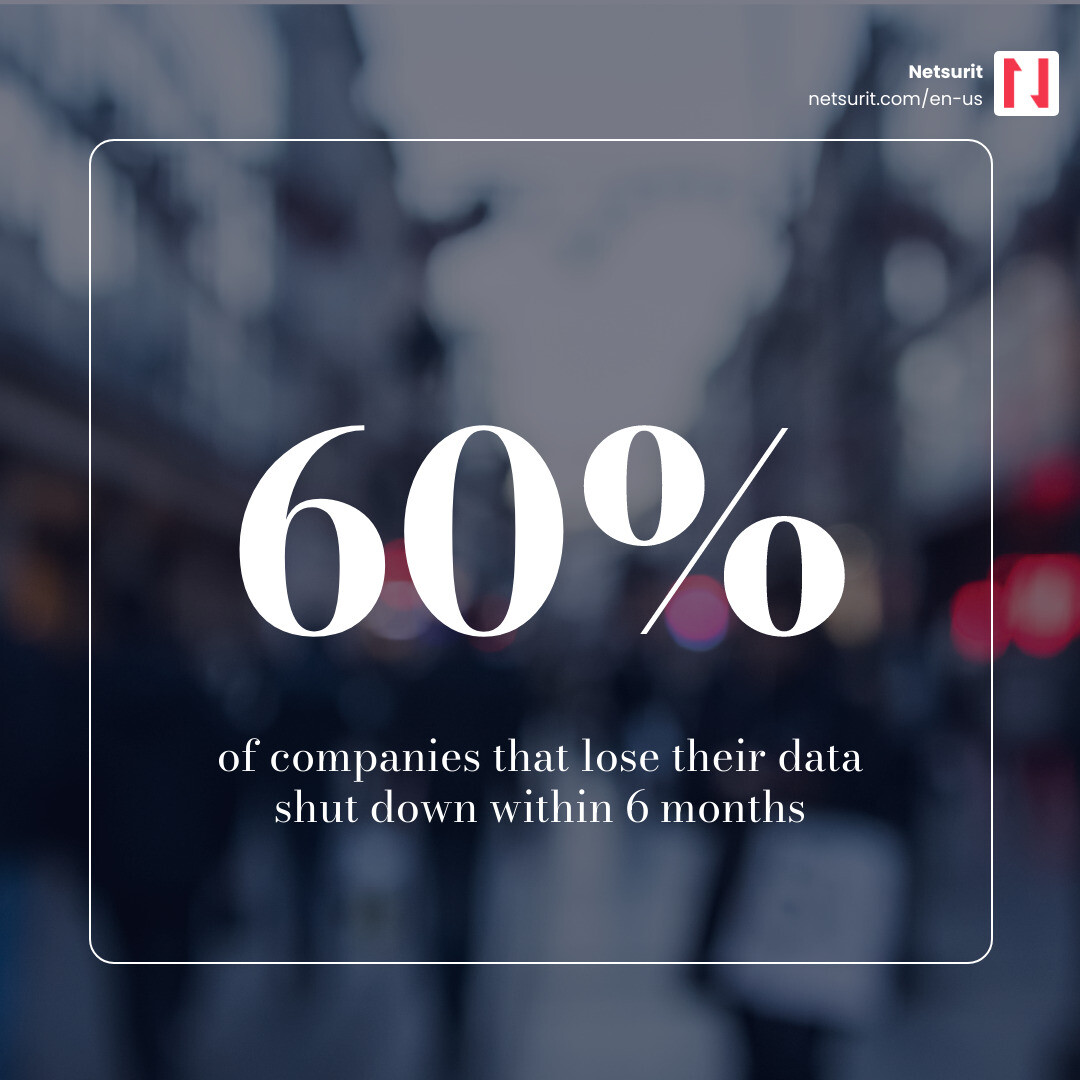
A backup disaster recovery solution combines tools, processes, and plans to protect business data and restore systems fast. Data center outages cost $9,000 per minute on average. Sixty percent of companies suffering significant data loss close within six months. These are common outcomes for businesses treating backup as a set-and-forget task rather than a tested strategy.
| What it does | Why it matters |
|---|---|
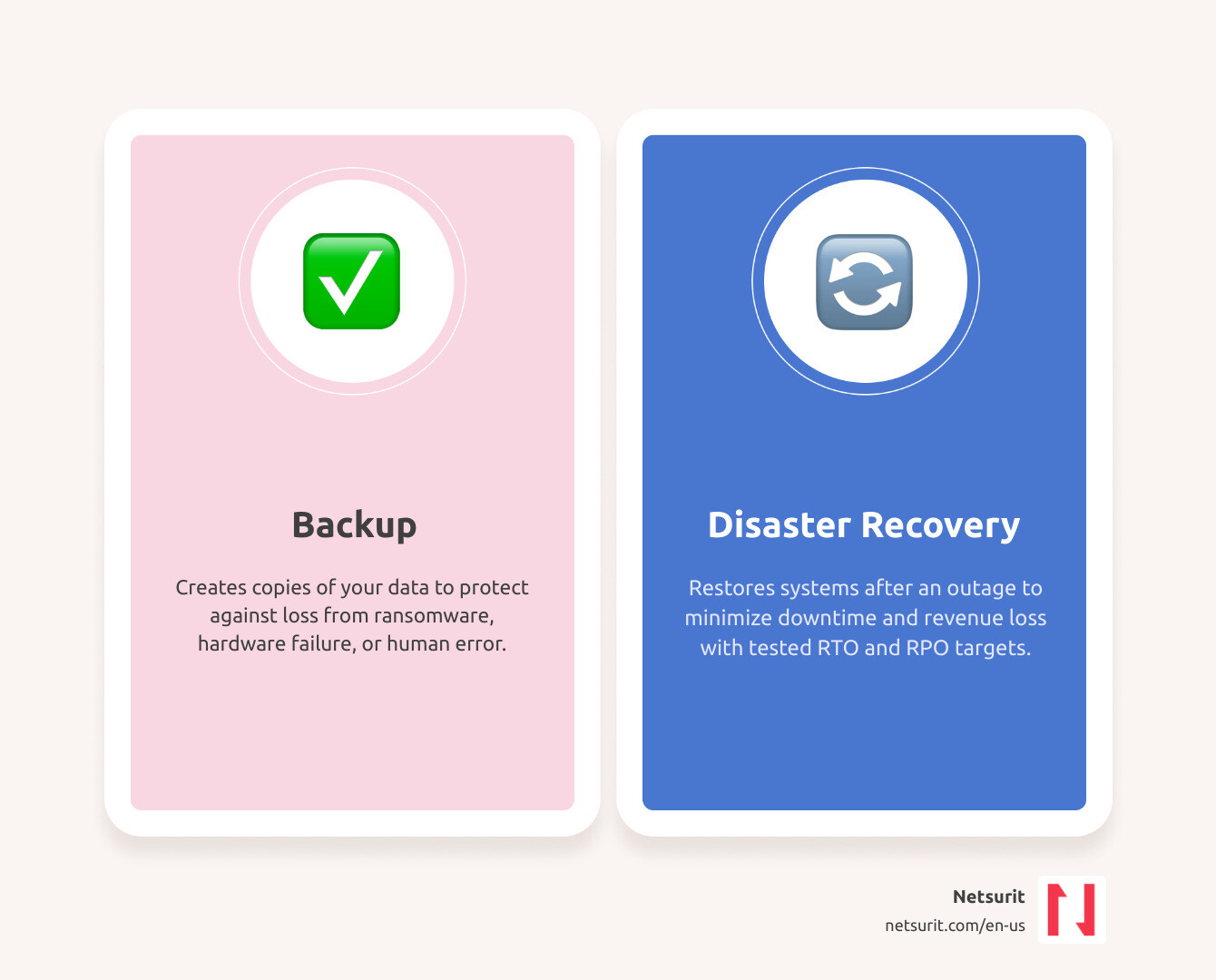
| Creates copies of your data | Protects against loss from ransomware, hardware failure, or human error |
| Restores systems after an outage | Minimizes downtime and revenue loss |
| Defines RTO (Recovery Time Objective) | Sets how fast you get back online |
| Defines RPO (Recovery Point Objective) | Sets how much data you can afford to lose |
| Covers backup and recovery | Backup alone is not enough — you need a tested recovery plan too |
The threat landscape has shifted. Ransomware attacks now routinely target backup repositories first because they are your last line of defense. Yet most organizations still have gaps. While 90% of businesses perform regular backups, 58% of recovery attempts fail when it counts. This guide compares leading solutions available in May 2026 — Acronis, Veeam, Druva, Cohesity, and AWS Elastic DR — to help you find the right fit for your risk profile.
I’m Orrin Klopper, CEO of Netsurit. Over three decades of scaling managed IT services across the US, South Africa, and Europe, I’ve seen that survival depends on whether your backup disaster recovery solution was tested, current, and complete. I’ll share what we’ve learned protecting 300+ client organizations so you can make a smarter decision.
Defining the Modern Backup Disaster Recovery Solution
In May 2026, a backup disaster recovery solution is a core operational requirement. For businesses in Houston, Seattle, or Tacoma, a “disaster” is often a botched software update, a deleted database, or a compromised password. True resilience requires protecting the entire environment, including virtual machines, databases, and infrastructure configuration. Platforms like Rackware Multi-Cloud Disaster Recovery and Backup allow organizations to bridge the gap between cloud environments, ensuring uptime even if a provider fails.
Example: The Sugarland Tax Firm Scenario A mid-sized tax firm in Sugarland managing 1,200+ client returns faces catastrophic risk if ransomware strikes in April. Backing up files is only half the battle. Without a Backup and Disaster Recovery plan that includes “failover” (switching to a secondary system), the firm spends days rebuilding the server environment. In high-stakes tax seasons, every hour of downtime translates to lost billable time and permanent reputational damage.
Trade-offs: Speed vs. Cost
| Works best when… | Avoid when… | Risks | Mitigations |
|---|---|---|---|
| You need near-zero downtime (High Speed) | You have a limited IT budget and low-priority data | High monthly subscription costs | Tier your workloads; only pay for high speed on “Tier 1” apps |
| You can tolerate 24 hours of downtime (Low Cost) | You run mission-critical e-commerce or financial systems | Significant revenue loss during recovery | Use automated testing to ensure the “slow” recovery actually works |
Distinguishing Backup from Disaster Recovery
Backup is the process of making copies of files. Disaster recovery is the plan for using those copies to re-establish access to applications.
- Backup: The spare tire in your trunk.
- Disaster Recovery: The roadside assistance service that changes the tire and gets you back on the highway.
Without a plan to System Restore Simplified: Get Your Data Back and Running, backups are inert data. Disaster recovery involves “failover”—the redirection of users to a functional environment—and “failback”—moving operations back to the primary site once resolved.
Critical Metrics: RTO and RPO
- Recovery Time Objective (RTO): The time allowed to recover operations. If your RTO is 4 hours, you must be online within that window.
- Recovery Point Objective (RPO): The maximum data loss you can tolerate, measured in time. Backing up every 24 hours means a crash at hour 23 results in a day’s lost work.
For industry-specific impacts, see From Buck Converters to LASIK: What Fast Recovery Time Means for You.
Comparing Top Backup Disaster Recovery Solutions for 2026
The 2026 market is dominated by heavy hitters with distinct strengths. Choosing a backup disaster recovery solution depends on whether you manage a legacy on-premises data center, a hybrid environment, or a cloud-native stack.
| Feature | Acronis | Veeam | Druva | Cohesity |
|---|---|---|---|---|
| Primary Strength | Integrated Cyber Security | Enterprise Flexibility | Cloud-Native SaaS | Data Management & AI |
| Deployment | Hybrid / Service Provider | Any (Cloud/On-Prem) | 100% SaaS | Hybrid / Scale-out |
| Ransomware Protection | AI-based Active Shield | Immutable Repositories | Air-gapped Cloud | Immutable Snapshots |
| Best For | MSPs & Small/Mid Enterprise | Large Enterprises | SaaS-heavy Orgs | High-growth, Data-heavy |
For more details, see Software Saviors: Your Guide to Top Backup and Recovery Tools.
Acronis and Veeam: The Enterprise Standards
Acronis Cyber Protect is a cyber resilience platform. It uses AI-driven behavioral detection to stop ransomware before encryption begins. For businesses requiring data backup and disaster recovery in Houston, Acronis offers a “single pane of glass” to simplify management across 20+ workload types.
Veeam Backup & Replication remains the gold standard for flexibility. Its “Portable Data Format” prevents vendor lock-in. You can back up a VMware machine on-premises and recover it instantly to Microsoft Azure or AWS. Veeam’s “four-eyes” approval—requiring two people to authorize backup deletion—defends against malicious insiders.
Cloud-Native Leaders: Druva and AWS Elastic DR
Druva is a 100% SaaS solution with no appliances to manage. It excels at protecting Microsoft 365, Salesforce, and Google Workspace data. For those in the Amazon ecosystem, AWS Elastic Disaster Recovery replicates on-premises or cloud servers into AWS cost-effectively. This achieves low RTOs without the capital expense of a secondary physical data center. Local managed service providers often use these cloud-native tools to build robust recovery environments for Houston-area clients.
Choosing Between On-Premises, Cloud, and DRaaS
The “where” of your recovery is as important as the “how.”
- On-Premises: Best for rapid local restores of massive files. However, if the building floods, your recovery site fails with your primary site.
- Cloud: Offers geographic separation and scalability. You only pay for compute resources used during a disaster.
- Disaster Recovery as a Service (DRaaS): A managed approach where a third party handles orchestration. DRaaS can reduce total cost of ownership (TCO) by up to 50% compared to maintaining a secondary data center.
Refer to technical guides like how to Set up and plan a backup/recovery appliance deployment | Google Cloud Documentation to ensure your architecture supports your RTO goals.
Case Study: Katy Accounting Firm An accounting firm in Katy, TX, previously relied on local tape backups. During a power surge that fried their server, they realized the tapes were three days old. By migrating to a Cloud Disaster Recovery model, they achieved an RPO of 15 minutes. When hardware failed a year later, they failed over to the cloud and resumed business before clients noticed.
Trade-offs: Control vs. Management
| Works best when… | Avoid when… | Risks | Mitigations |
|---|---|---|---|
| You have a specialized, air-gapped environment (On-Prem) | You need to scale quickly or have multiple locations | High upfront CAPEX and maintenance | Use a hybrid model for off-site redundancy |
| You want to offload IT labor (DRaaS) | You have strict data sovereignty requirements forbidding third-party access | Vendor lock-in | Ensure your solution uses portable data formats |
Mandatory Features of a Backup Disaster Recovery Solution
- Image-Based Backup: Captures the entire OS, applications, and settings.
- Orchestration & Runbooks: Automated scripts ensuring servers start in the correct order.
- The 3-2-1 Rule: Three copies of data, on two media, with one copy off-site.
- Immutability: Backups that cannot be changed or deleted, even by an admin. See Lost Your Data? Here’s How Secure Recovery Can Save the Day.
Infrastructure Configuration vs. Data Protection
If you restore your database but lose your Virtual Private Cloud (VPC) settings, DNS records, or IAM policies, users cannot connect. Solutions like ControlMonkey focus on “Infrastructure as Code” (IaC) to ensure your network environment is as recoverable as your files. This is a critical consideration for businesses seeking disaster recovery in Tacoma, WA.
Implementing Your Strategy: Testing and Compliance
A disaster recovery plan that hasn’t been tested is just a wish. In 2026, regulatory frameworks like SOC 2, HIPAA, and GDPR require documented proof of regular testing.
For businesses in the Northeast, From Sandy to Success: Navigating Disaster Recovery in New Jersey highlights how organizations conducting annual drills survived prolonged regional outages. Similar expertise is vital for Conroe disaster recovery services and firms across the Houston metro area.
Cost-Benefit Analysis of a Backup Disaster Recovery Solution
- The Cost of Failure: 93% of companies experiencing significant data loss are out of business within five years.
- The Cost of Downtime: If your business generates $10 million annually, one hour of downtime costs roughly $1,141 in direct revenue—excluding labor and client churn.
While basic recovery services provide entry points for small businesses, mid-market firms in Katy and Sugarland should use subscription-based DRaaS models to turn unpredictable disaster costs into manageable operating expenses.
Overcoming Common Implementation Pitfalls
- Testing Neglect: Organizations set up software but never verify the “Restore” button works.
- Bandwidth Limits: Replicating a 10TB database over standard internet can take days, making low RPOs impossible.
- Legacy Systems: Old hardware often conflicts with modern cloud recovery tools.
Understanding local risks is vital. When the Earth Shakes: Understanding Seattle’s Disaster Recovery Framework focuses on seismic resilience, requiring different geographic redundancy than the flood-focused plans of Houston.
Frequently Asked Questions about Backup Disaster Recovery Solutions
How often should we test our disaster recovery plan?
We recommend quarterly technical drills and an annual full-scale failover test. Automated testing tools now perform non-disruptive tests weekly by spinning up backups in an isolated environment to verify they boot correctly. Professional business continuity services can help automate this cadence.
Is cloud backup sufficient for a full disaster recovery?
Usually, no. Cloud backup protects data, but without a “Recovery Cloud” or DRaaS orchestration, you have nowhere to run that data if your office is inaccessible. A hybrid approach—local for speed, cloud for disaster—is the 2026 gold standard. Localized help is available via Maine-based backup and disaster recovery services.
Why do most data recoveries fail?
The 58% failure rate is typically due to corrupted backup files that weren’t verified, missing configuration data, or a plan that relied on an unavailable person. Automation is the cure for all three.
Conclusion
The “Definitive Guide” to your business’s survival isn’t a document sitting in a drawer—it’s a living, breathing backup disaster recovery solution that evolves with your technology. At Netsurit, we don’t just provide the tools; we provide the momentum to ensure your business can withstand any disruption. Whether you are in Houston, Seattle, or anywhere in between, we act as your elite tech partner to crush downtime and secure your aspirations.
What to watch next: As we move toward 2027, expect AI to move from “detecting” ransomware to “autonomously recovering” systems before a human even realizes an attack has occurred.
Secure your business future with a custom backup and disaster recovery solution