Why Data Integrity Solutions Protect Your Business From Costly Errors
Data integrity solutions ensure your business information remains accurate, consistent, and uncorrupted throughout its entire lifecycle. If you’re looking for the right approach, here are the core components you need:
| Solution Type | What It Does | Primary Benefit |
|---|---|---|
| Immutable Backups | Prevents deletion or modification of backup data for 15-60 days | Blocks ransomware from destroying recovery points |
| Checksum Validation | Creates digital fingerprints (SHA-256, CRC32C) to detect corruption | Catches silent data errors before they spread |
| Soft Deletion | Marks data as deleted but keeps it recoverable for 30-60 days | Protects against accidental deletion and account hijacking |
| 3-2-1 Backup Rule | Three copies, two media types, one offsite | Ensures recovery from hardware failures and disasters |
| Data Validation Pipelines | Automated daily or weekly integrity checks | Detects inconsistencies within 24 hours |
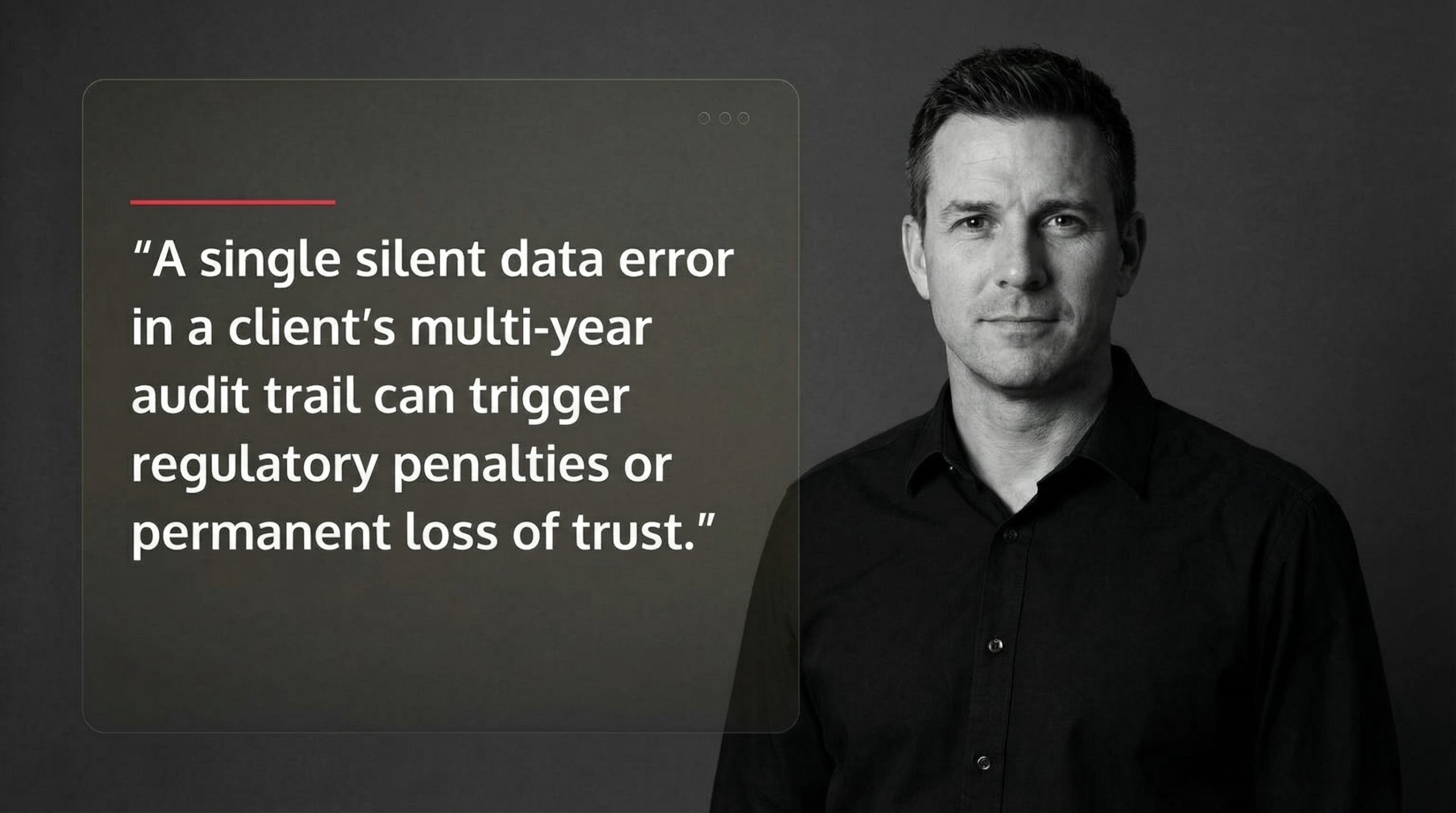
For tax and accounting firms in the Houston metro area—from Sugarland to Katy to Conroe—a single silent data error in a client’s multi-year audit trail can trigger regulatory penalties or permanent loss of trust. Google’s Site Reliability Engineering team found that the majority of account hijacking and data integrity issues are detected within 60 days, which is why modern soft-deletion windows span that period. The difference between a recoverable incident and a business-ending disaster often comes down to whether your backups survived the attack.
Traditional backups fail because attackers now target them first. Ransomware operators encrypt your live data, then delete or corrupt your backups before demanding payment. Immutable storage—where even administrators cannot alter data during its retention period—has become essential, not optional. Similarly, checksums act as trip wires: if a file’s digital fingerprint changes without authorization, you know corruption occurred before it cascades through your systems.
The stakes are higher in regulated industries. The FDA’s 21 CFR Part 11 and the ALCOA+ framework (Attributable, Legible, Contemporaneous, Original, Accurate) require that electronic records remain tamper-proof and auditable. A manufacturing client in Conroe discovered this when a faulty disk controller caused misdirected writes, overwriting critical production logs. Without checksums and validation pipelines, the corruption went undetected for weeks, jeopardizing their compliance audit.
This guide walks through the most resilient data integrity solutions—from defense-in-depth strategies like soft deletion and tiered backups, to technical safeguards like end-to-end checksumming and automated validation pipelines. You’ll see how cloud-native tools (AWS Backup, Google Cloud Storage) and enterprise platforms (Pure Storage, DAOS) implement these protections at scale, and learn how to test your recovery processes so they actually work when disaster strikes.
I’m Orrin Klopper, CEO of Netsurit, and over three decades I’ve helped more than 300 organizations across North America implement data integrity solutions that survive both hardware failures and malicious attacks. Data integrity isn’t just about technology—it’s about building systems that keep your business honest when everything else fails.
Defining Data Integrity and Why It Matters for Houston Accounting Firms
What is Data Integrity? It is the assurance that data is accurate, complete, and consistent throughout its entire lifecycle. For a CPA firm in Katy, this means when you pull up a client’s 2022 tax return, the numbers are exactly what were filed, and the audit trail showing who touched that file remains intact.
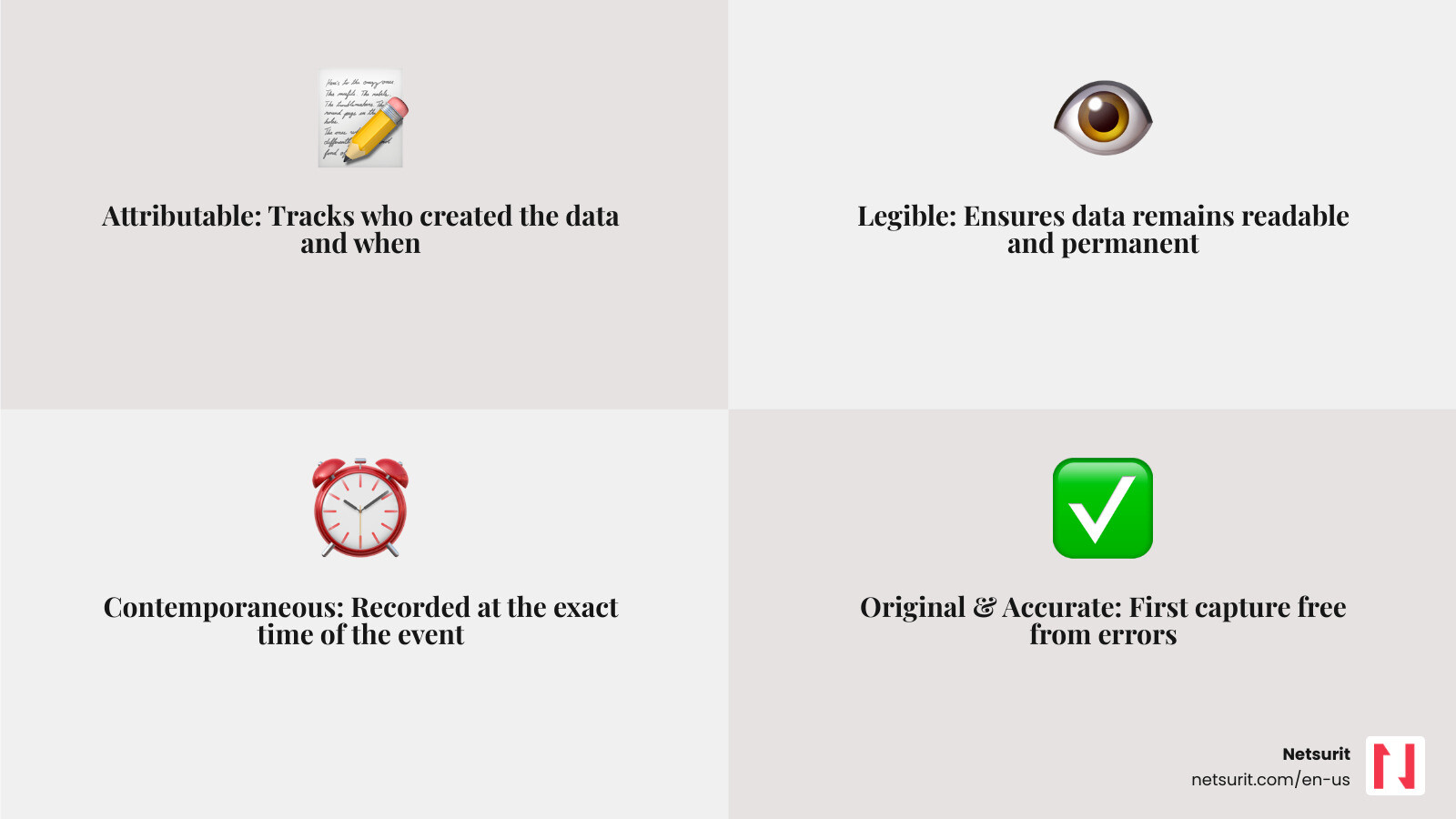
Data integrity relies on the ALCOA+ framework. This standard ensures data is Attributable (who did it?), Legible (can you read it?), Contemporaneous (recorded as it happened?), Original (first capture?), and Accurate. The “+” adds completeness and consistency. When these principles fail, you face “silent data corruption”—errors that occur without a system warning, like a single bit-flip in a spreadsheet that changes a $1,000,000 asset to $0.
The Strategic Role of Data Integrity Solutions
Maintaining integrity is a strategic move, not just a technical chore. High-quality data fuels accurate business analytics and builds customer trust. If your Software Asset Management indicates you are compliant with licenses, but the underlying data is corrupted, you risk failed audits and heavy fines.
Industry-Specific Risks in the Houston Metro
Local firms face unique pressures. Tax firms in Sugarland must maintain multi-year records for IRS compliance. In Conroe, manufacturing plants rely on precise sensor data for quality control; a failure in data integrity here could lead to product recalls or equipment damage. Our Cybersecurity Checklist helps these businesses identify where their data is most vulnerable.
Core Defense-in-Depth Strategies for Data Integrity
No single tool provides 100% protection. We use a “defense-in-depth” approach, layering multiple data integrity solutions to catch failures at different stages. This begins with Backup and Disaster Recovery plans that prioritize recovery over just “having a backup.”
| Metric | Hot Tier (Snapshots) | Cold Tier (Offsite) |
|---|---|---|
| RPO (Data Loss) | 0–4 hours | 24 hours |
| RTO (Recovery Time) | Minutes | Hours/Days |
| Integrity Check | Continuous/Daily | Weekly/Monthly |
Implementing Soft Deletion and Delayed Requests
Accidental deletion is the most common cause of data loss. We implement “soft deletion,” where data is marked as deleted but stays in a hidden “recycling bin” for 15 to 60 days. This is a core Data Integrity Requirement for high-velocity environments. If a disgruntled employee in a Houston office tries to wipe a directory, soft deletion allows us to restore it instantly. This also mitigates account hijacking; even if an attacker gains access, they cannot permanently delete files within the retention window.
The Power of Immutable Backups
Ransomware is the primary threat to Houston businesses. Modern attackers use “delayed” payloads that wait until your backups are also infected. Immutable backups use WORM (Write Once, Read Many) technology. Once a backup is written, it cannot be changed, encrypted, or deleted by anyone—including a compromised administrator account. This ensures that even if your live network is hit, you have a “clean” copy to restore from, significantly reducing Cloud Disaster Recovery times.
Technical Safeguards: Checksums and Validation Pipelines

To catch silent errors, we use checksum functionality. A checksum is a unique digital fingerprint (like SHA-256) of a file. If the file changes by even one bit, the fingerprint changes.
End-to-End Integrity with Checksums
Systems like Amazon S3 and DAOS use end-to-end checksums. When a client in Sugarland uploads a file, the client software calculates a checksum. The server calculates its own upon receipt. If they don’t match, the transfer is rejected. This prevents data from being corrupted while in transit over the internet.
Automating Data Validation at Scale
For firms with massive datasets, manual checking is impossible. Validating 700 petabytes would take 80 years with a single task. Instead, we use data validation pipelines that run map-reduce jobs to “scrub” data. Google SRE teams run these daily, detecting inconsistencies within 24 hours. We use tools like AWS Glue Data Quality to automate this, reducing manual validation time from days to hours.
Top Data Integrity Solutions for Cloud and Hybrid Environments
Selecting the right data integrity solutions depends on your infrastructure.
Cloud-Native Integrity: AWS and Google Cloud
AWS provides robust tools like Object Locking and Multi-AZ (Availability Zone) deployments. This ensures that if one data center in the region fails, your data exists identically in another. When performing a Cloud Migration, we use AWS DMS (Database Migration Service) which includes built-in validation to ensure the data on the target matches the source exactly.
Enterprise Storage: Pure Storage and DAOS
For high-performance needs, Pure Storage FlashBlade offers “Petabyte-Scale Recovery.” It uses Zero Move Tiering to manage data across hot and cold storage automatically. DAOS (Distributed Asynchronous Object Storage) is another leader, providing internal Data Integrity through background scrubbing that scans for silent corruption and auto-fixes errors using redundancy.
Trade-offs of Enterprise Storage:
- Works best when: You have massive unstructured data (images, logs, research).
- Avoid when: You are a small firm with under 10TB of data (cloud-native is more cost-effective).
- Risks: High initial setup complexity.
- Mitigations: Use a managed service provider (MSP) like Netsurit to handle the configuration and monitoring.
Testing and Monitoring Your Integrity Framework
A backup is only as good as your last successful restore. We use a Cyber Security Assessment Checklist to verify that integrity checks are actually running.
Proactive Data Scrubbing and Telemetry
“Scrubbing” is a background process that reads data and verifies it against its stored checksum. If a mismatch is found, the system raises an alert. We monitor telemetry metrics like “scrubs completed” and “silent corruptions detected” to ensure the health of your storage.
Verifying Recovery Processes
We recommend “heartbeat” alerts—automated tests that restore a random file every day to prove the Backup and Disaster Recovery system is functional. This prevents “latent failures,” where you think your backups are fine until the day you actually need them and find they are unreadable.
Frequently Asked Questions about Data Integrity
What is the difference between data integrity and data security?
Data security is about “who can see it” (confidentiality). Data integrity is about “is it correct?” (accuracy). You can have a very secure file that is completely corrupted and useless. Encryption Benefits overlap both, as encrypted data is harder to modify without detection.
How do checksums prevent silent data corruption?
They don’t prevent the corruption itself (which can be caused by hardware age), but they ensure you detect it immediately. By comparing the current fingerprint to the original, the system knows the data is no longer “honest” and can restore a clean version from a backup.
Why are immutable backups necessary for ransomware protection?
Ransomware now targets administrative credentials. If an attacker gets your “Admin” password, they can delete traditional backups. Immutable backups prevent this because the “lock” is enforced by the storage hardware/protocol, not just a software password.
Conclusion
Data integrity is the bedrock of a reliable business. For firms in Houston, Sugarland, and Katy, implementing these data integrity solutions is the only way to ensure your records survive the evolving threat landscape. At Netsurit, we act as your elite tech partner to crush downtime and protect your most valuable asset: your data.
Next Action: Review your current retention policy. If you don’t have at least a 30-day “soft delete” window or immutable offsite copies, Contact Netsurit today to fortify your defenses.